




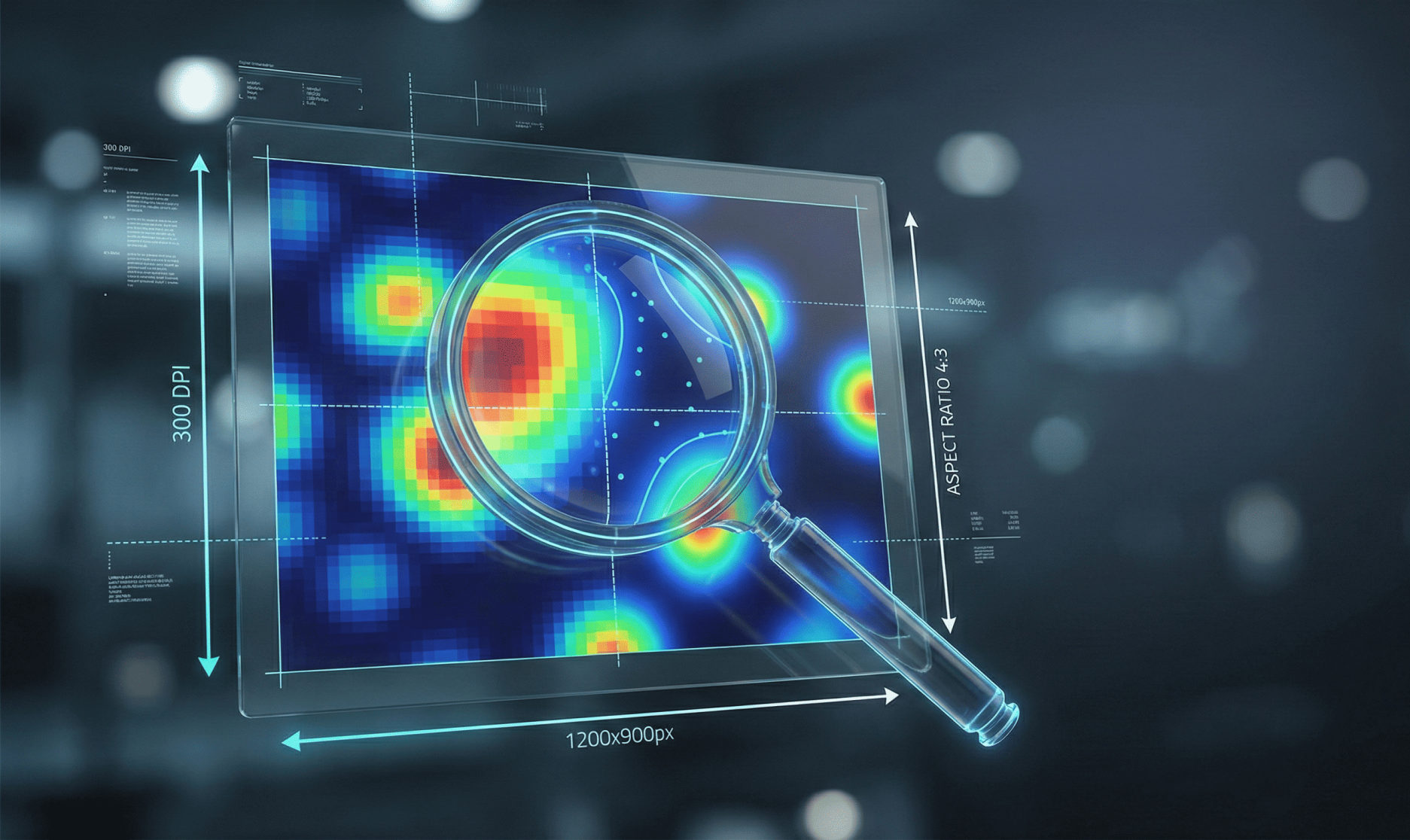
Image Resolution, Pixel Dimensions, and Aspect Ratio: Preparing Publication-Ready Figures
Poor-quality figures are a frequent cause of desk rejection and delays during production. Many journals report that improperly prepared artwork significantly increases time to publication. Clear, publication-ready figures improve readability, preserve data integrity, and reduce the need for rework during production.
This article explains the technical rules most journals use – resolution (DPI/PPI), pixel dimensions, and aspect ratio/figure coverage and provides practical guidance for preparing compliant figures. It covers definitions, typical journal standards, how to calculate required pixel sizes, best practices for aspect ratio and figure coverage, common mistakes to avoid, and a concise submission checklist.
What Image Resolution Means (and Why It Matters)
Resolution describes the level of visual detail in an image. In digital publishing, authors encounter two related but distinct measures:
- Pixel dimensions (width × height in pixels)
- Print resolution, specified as dots per inch (DPI) or pixels per inch (PPI)
Pixel dimensions define how much information an image contains, while DPI/PPI determines how those pixels map to a physical print size. Because publishers convert figures for both print and online display, both measures matter.
A low pixel count will appear pixelated at the journal’s final print size, and increasing DPI without adding pixels does not improve image quality.
A simple relationship links these concepts:
Pixels = DPI × print size (in inches)
Common Journal Standards: DPI, Pixel Ranges, and File Types
Most scholarly publishers follow broadly similar artwork standards, adapted to their layout and production workflows. Common expectations include:
- Photographs and continuous-tone images:
≥300 dpi at final print size (Wiley) - Line art (graphs, diagrams, black-and-white drawings):
600–1200 dpi for crisp edges (Elsevier) - Combination figures (images with labels or overlays):
Typically 600 dpi (Elsevier) - Preferred file types:
- Raster images: TIFF
- Vector graphics: EPS or PDF
- High-quality PNG may be accepted for online-only use, but TIFF remains the safest production format (PLOS)
- File size limits:
Often ≤10 MB per figure during submission (PLOS)
Although authors should always follow journal-specific instructions, these values are reliable defaults across major publishers such as Elsevier, Wiley, and PLOS.
How to Calculate Pixel Size for Your Target Print Width
To ensure sufficient image quality, calculate pixel dimensions using:
Pixels = DPI × width (in inches)
Common journal column widths include:
- Single column: ~90 mm (≈3.54 in)
- Double column: ~190 mm (≈7.48 in)
At 300 dpi, required pixel widths are approximately:
- Single column:
3.54 in × 300 dpi ≈ 1,062 px - Double column:
7.48 in × 300 dpi ≈ 2,244 px
If the journal requires 600–1,200 dpi (e.g., for line art), recalculate accordingly. For example:
- Line art at 600 dpi, single column:
3.54 in × 600 dpi ≈ 2,124 px
The same calculation applies to height. Journals often limit maximum figure height (commonly ~8–9 inches). PLOS, for example, specifies both width pixel ranges and a maximum height in pixels at 300 dpi.
Aspect Ratio and Figure Coverage: Best Practices
Aspect ratio is the relationship between width and height. Preserving the original aspect ratio prevents distortion and misrepresentation of data.
Best practices include:
- Lock proportions when resizing figures
- Avoid nonuniform stretching (e.g., horizontal or vertical distortion)
- Resize uniformly to the journal’s target width
Figure Coverage
Journals typically define:
- Single-column, one-and-a-half-column, and double-column widths
- Maximum figure height to fit page layouts
Design figures for the final intended size, not arbitrary intermediate dimensions. When creating multi-panel figures:
- Minimize unnecessary white space
- Ensure each panel is legible at final print size
- Follow journal guidance on whether panels should be combined or submitted separately
Vector vs. Raster Images: When to Use Each
- Vector formats (EPS, PDF, SVG):
Store shapes and text mathematically; scale without loss of quality. Ideal for charts, diagrams, and schematics. - Raster formats (TIFF, PNG, JPEG):
Pixel-based; suitable for photographs, gels, and microscopy images.
For mixed figures (e.g., photos with annotations):
- Export at the resolution required by the raster component
- Preserve vector elements whenever possible
- Retain editable source files (Excel, Illustrator, ChemDraw), as many journals request them during production
Common Mistakes – and How to Avoid Them
- Up sampling low-resolution images:
Increasing DPI without increasing pixels does not add detail. Always capture or recreate images at higher native resolution. - Exporting from PowerPoint at screen resolution:
Avoid screenshots or default slide exports. Export figures at target pixel dimensions and DPI. - Repeated JPEG editing:
JPEG is lossy; multiple saves degrade quality. Use TIFF for final submission and retain originals. - Illegible labels:
Text readable on screen may be unreadable in print. Test figures at 100% of final print size. Typical figure text should be ~8–12 pt.
Practical Workflow for Journal-Ready Figures
- Decide the final print size (single or double column) before designing the figure.
- Capture or export images at the required native resolution (≥300 dpi for photos; 600–1200 dpi for line art).
- Use lossless formats (TIFF for raster, EPS/PDF for vector) for final submission.
- Verify pixel dimensions using Pixels = DPI × inches.
- Flatten layers before final export unless the journal requests layered files, and apply non-lossy compression if needed.
Quick Examples
- Microscopy image (single column, 3.54 in at 300 dpi):
Minimum width ≈ 1,062 px - Line-art schematic (double column, 7.48 in at 600 dpi):
Required width ≈ 4,488 px
(Vector format preferred to avoid excessively large raster files.)
Pre-Submission Checklist
- Does the figure meet the required DPI and pixel dimensions at final print size?
- Are fonts and labels legible (≈8–12 pt at print size)?
- Are raster images TIFF and line art vector (EPS/PDF) where possible?
- Is the file size within journal limits using lossless compression?
- Are all panels, scale bars, and captions complete and correctly placed?
Conclusion and Next Steps
Understanding how DPI, pixel dimensions, and print size interact prevents common figure-quality problems that delay publication. Authors should plan figure dimensions early, use vector formats for line art, maintain high-resolution raster images, and verify pixel sizes before submission.
When journal instructions differ, always follow the target journal’s artwork page. If guidance is unclear, default to major publisher standards (Elsevier, Wiley, PLOS) and retain editable source files.
For authors seeking additional support, professional figure-preparation services can apply journal-specific templates, convert formats, and perform quality checks—helping reduce desk rejections and production delays.
Meeting the rigorous technical standards of modern journals is about more than just aesthetics; it is a critical step in preserving data integrity and ensuring your research is accessible to the global community. However, navigating varying DPI requirements and complex vector conversions can be a significant drain on an author’s time. Enago’s Artwork Editing Service provides specialized support to bridge this gap. Beyond refining your text, our experts ensure every figure, table, and piece of artwork is meticulously formatted to meet your target journal’s exact resolution and layout specifications.

Frequently Asked Questions
What resolution do journals require for figures and images?▼
Most journals require at least 300 dpi for photographs, 600–1200 dpi for line art, and around 600 dpi for combination figures at final print size.
How do I calculate the correct pixel size for journal figures?▼
Pixel size is calculated by multiplying the required DPI by the final print width in inches, ensuring the image remains sharp at publication size.
What is the difference between DPI and pixel dimensions in artwork?▼
Pixel dimensions define how much image data exists, while DPI determines how those pixels are distributed in print; both must meet journal standards.
Why is aspect ratio important for journal figures?▼
Maintaining the correct aspect ratio prevents image distortion and ensures figures accurately represent data at the journal’s final layout size.
Should I submit figures as TIFF, PNG, or vector files?▼
TIFF is preferred for raster images, while EPS or PDF vector files are ideal for charts and diagrams because they scale without quality loss.
Can poor-quality artwork cause desk rejection?▼
Yes, low-resolution images, incorrect sizing, or improper file formats frequently lead to desk rejection or delays during production.


